Does Lunio provide medical diagnosis?
No. Lunio helps you record, organize, and prepare information. It does not diagnose, prescribe, recommend dosage, or replace veterinary advice.
Support
Lunio keeps daily care, reminders, health records, vaccines, and visit summaries in one calm iPhone app.
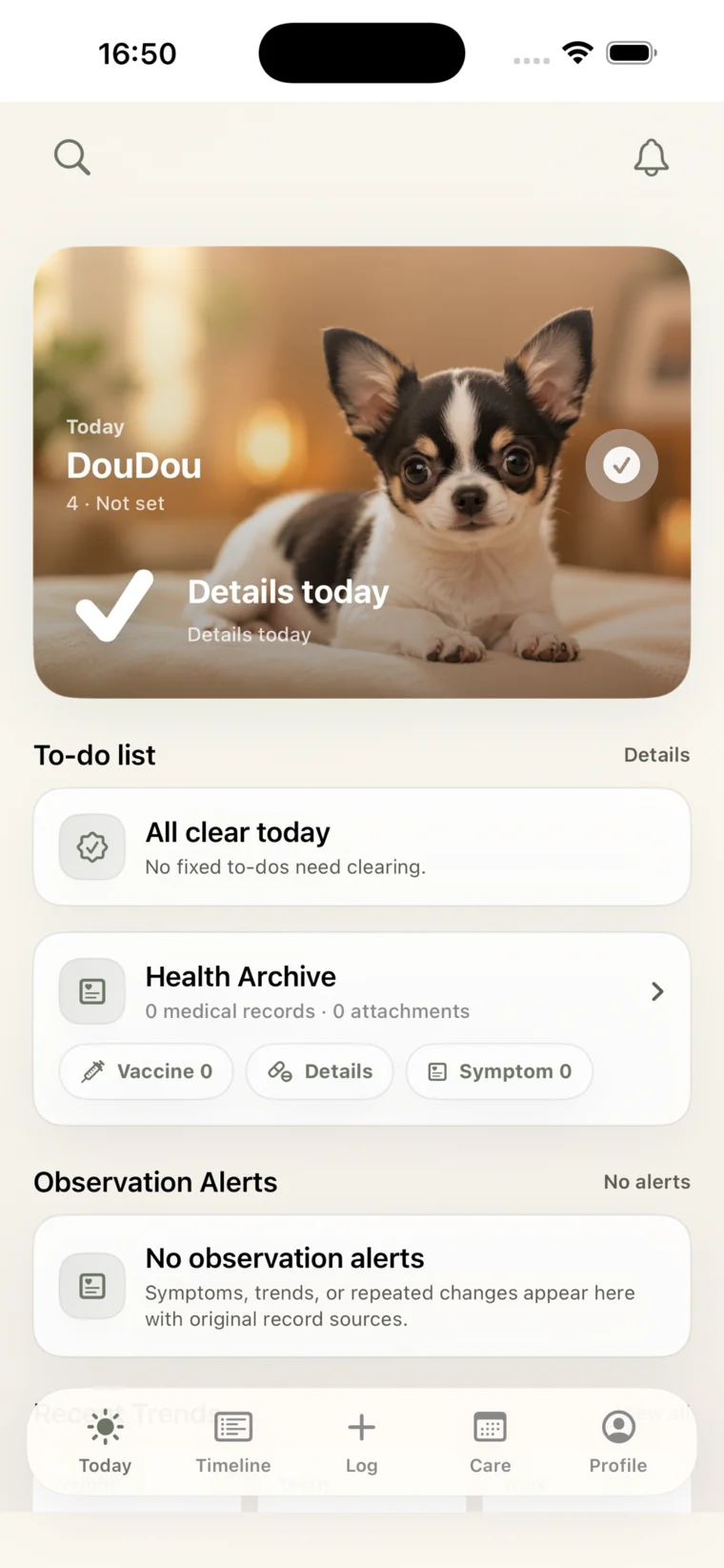
Lunio is built for iPhone. Confirm the final App Store listing for the supported iOS version.
The current Free v1 scope does not require sign-in or an account.
Notifications are optional and used for care reminders when enabled.
No. Lunio helps you record, organize, and prepare information. It does not diagnose, prescribe, recommend dosage, or replace veterinary advice.
No. The current Free v1 scope does not require sign-in.
Notifications are used for optional local care reminders.
Camera and photo access are used only when you choose to add pet photos, vaccine documents, or care-related attachments.
Lunio is local-first in the current release scope. Records are stored on your device unless you choose to export or back them up.
For app issues, general feedback, and feature requests, contact the Lunio team.